
Should I Upgrade My Phone?
Pick the phone you have now. We’ll show how long it still gets security updates, how much faster new phones are, and the upgrades worth a look, with what you’d gain and what you’d give up.
The phone list could not load. Refresh the page to try again.
How it works
- Pick your phoneSearch by name. We read its announcement date, its official update promise and its PhoneRanked scores.
- Get our take“Time to upgrade” when security updates end within a year, “Worth considering” when new phones are much better, otherwise “No need to upgrade yet”.
- Compare the picksUp to four phones on sale in the US or Europe, each with what you’d gain, what you’d give up and a side-by-side comparison.
Popular upgrade checks
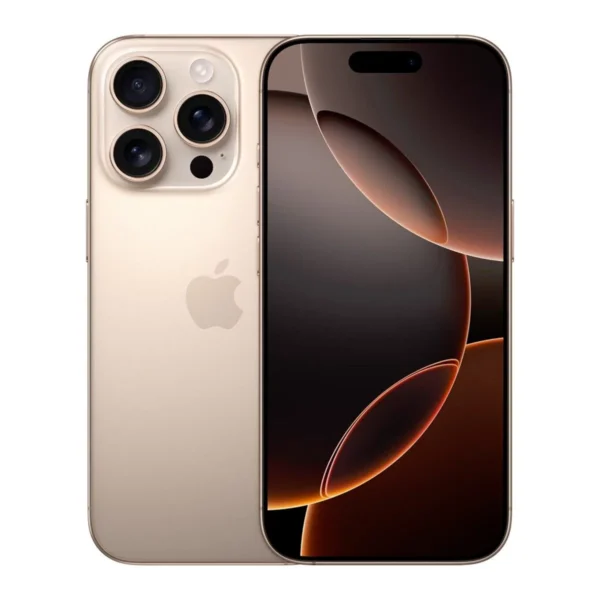 Upgrading from the Apple iPhone 16 Pro
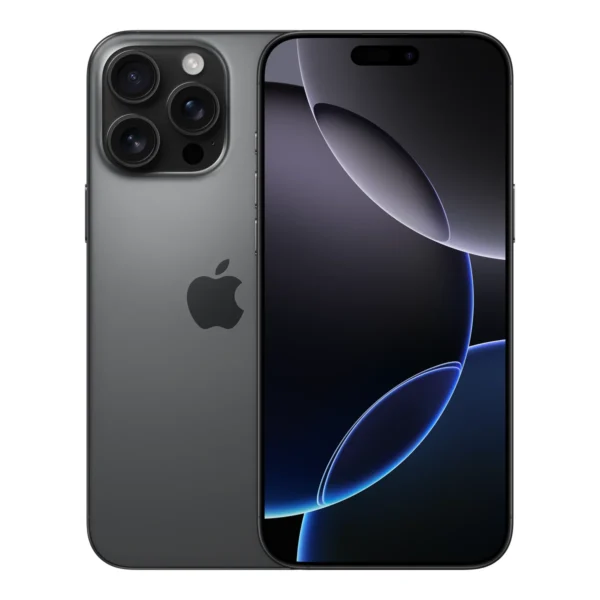 Upgrading from the Apple iPhone 16 Pro Max
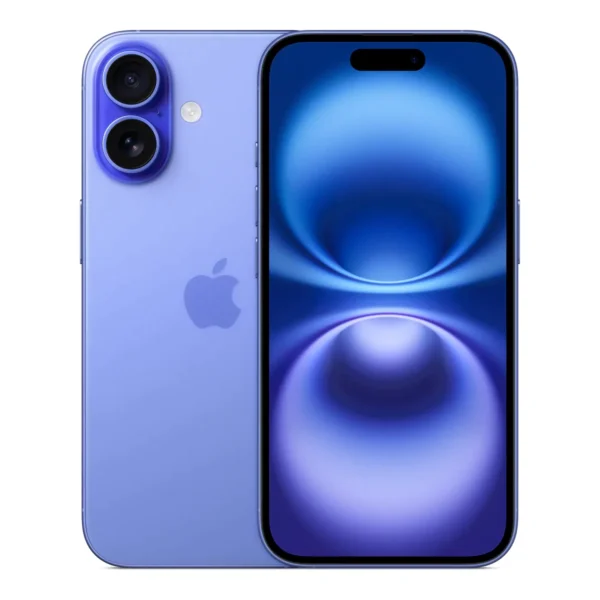 Upgrading from the Apple iPhone 16
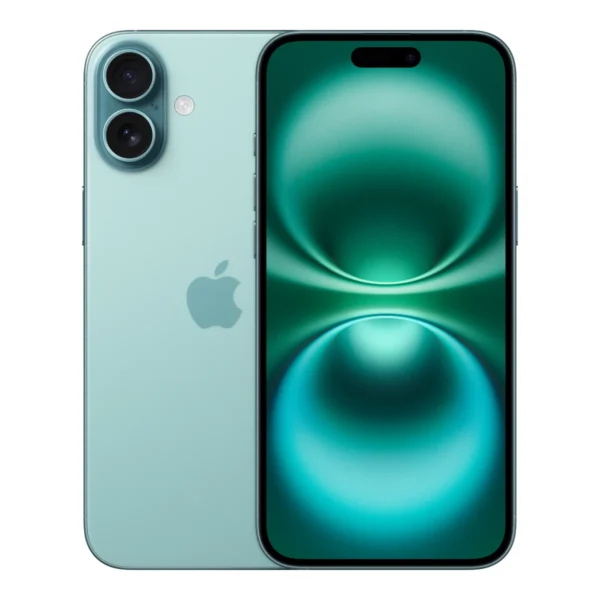 Upgrading from the Apple iPhone 16 Plus
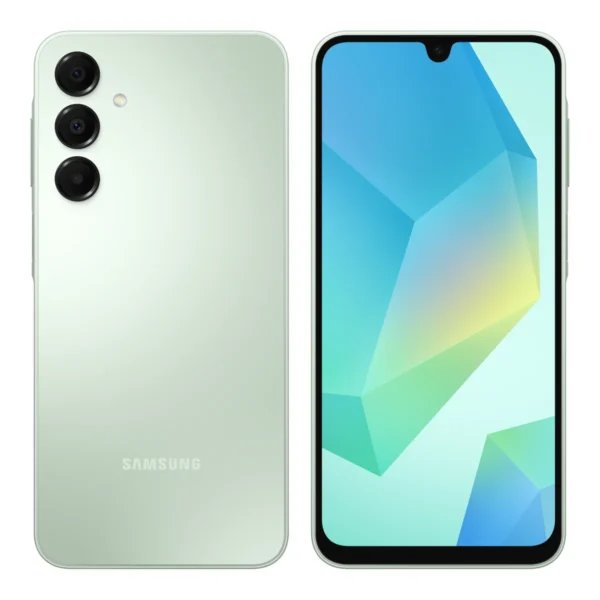 Upgrading from the Samsung Galaxy A16
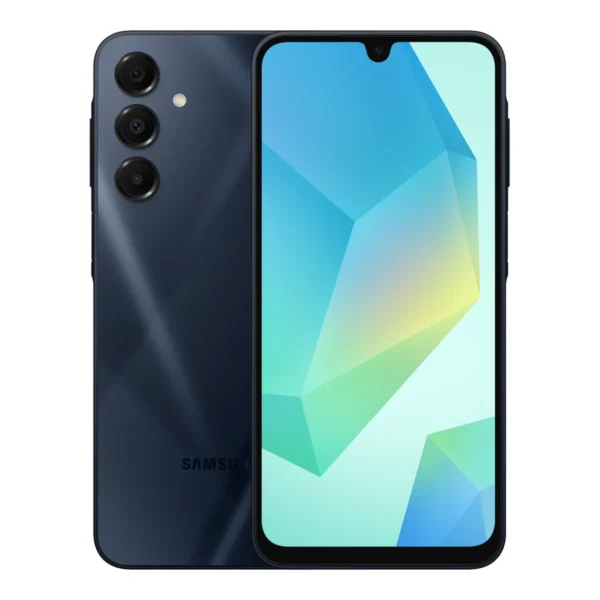 Upgrading from the Samsung Galaxy A16 5G
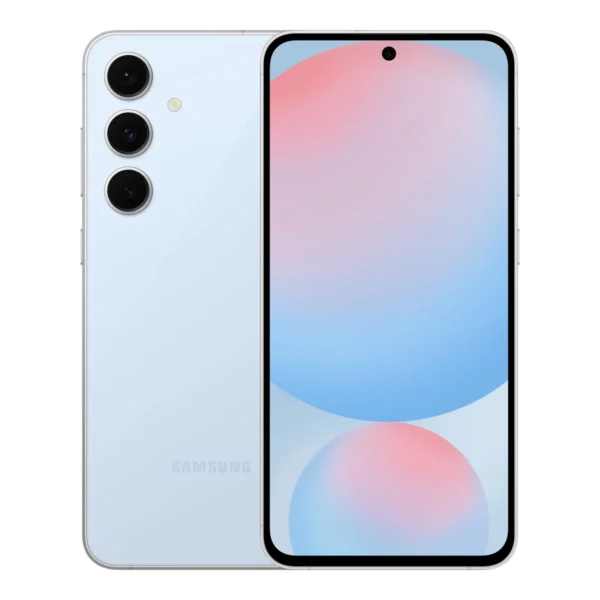 Upgrading from the Samsung Galaxy S24 FE
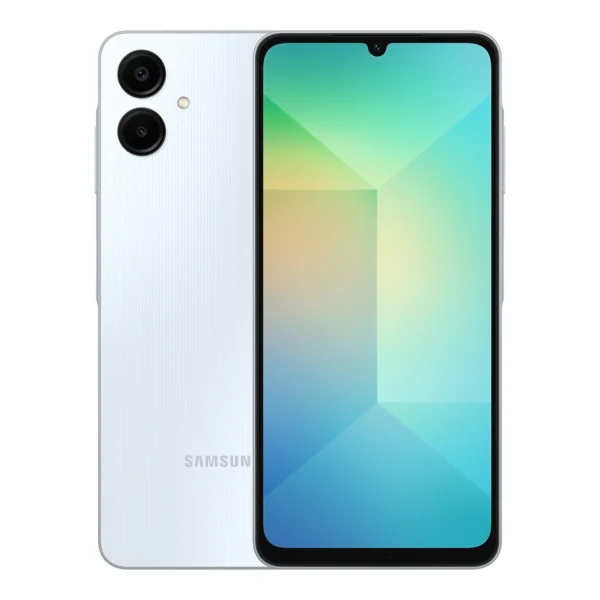 Upgrading from the Samsung Galaxy A06
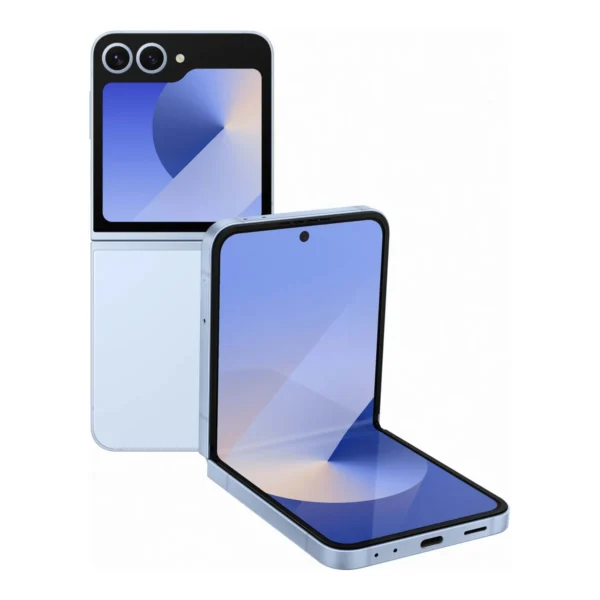 Upgrading from the Samsung Galaxy Z Flip6
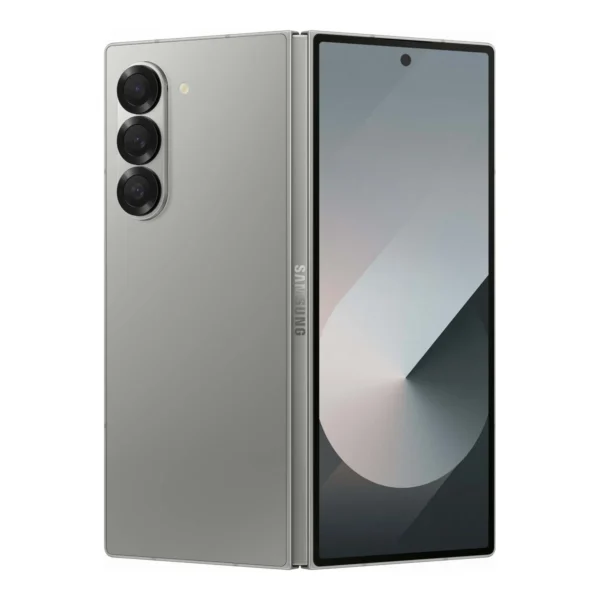 Upgrading from the Samsung Galaxy Z Fold6
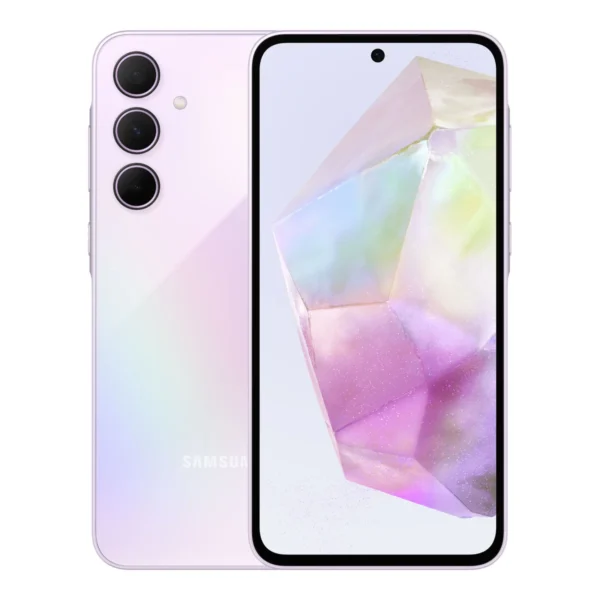 Upgrading from the Samsung Galaxy A35 5G
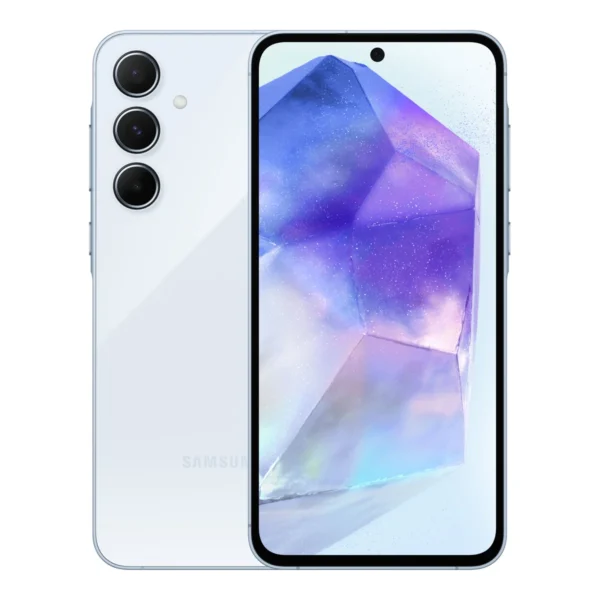 Upgrading from the Samsung Galaxy A55 5G
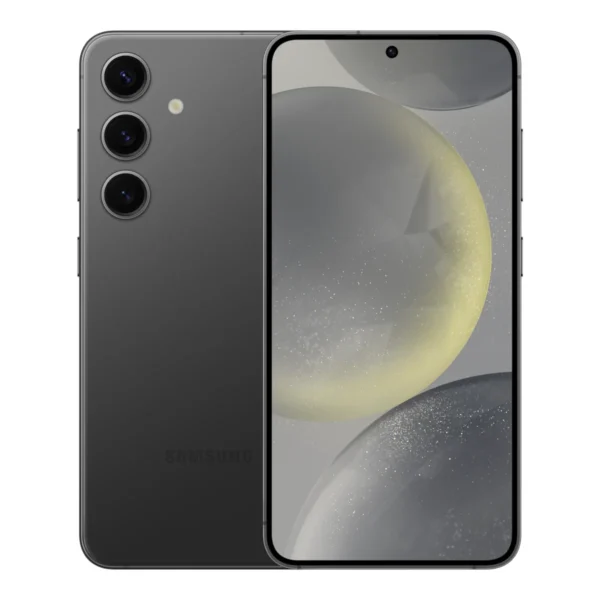 Upgrading from the Samsung Galaxy S24
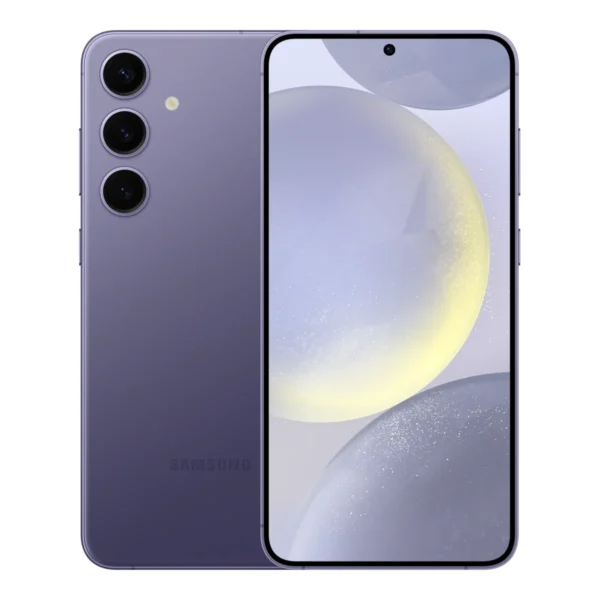 Upgrading from the Samsung Galaxy S24+
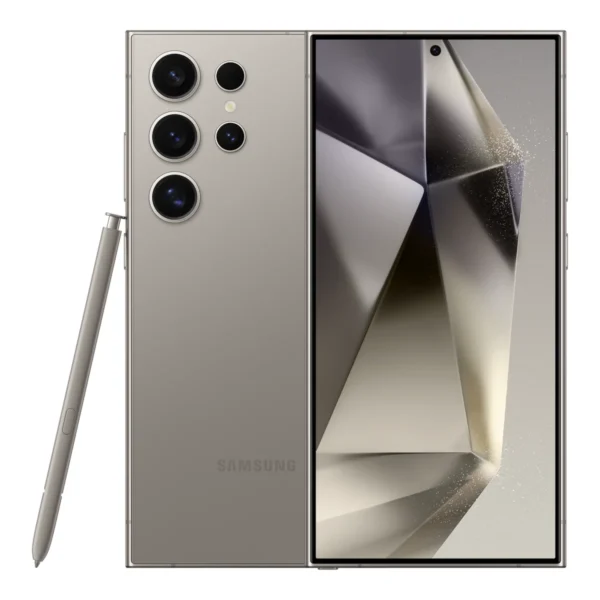 Upgrading from the Samsung Galaxy S24 Ultra
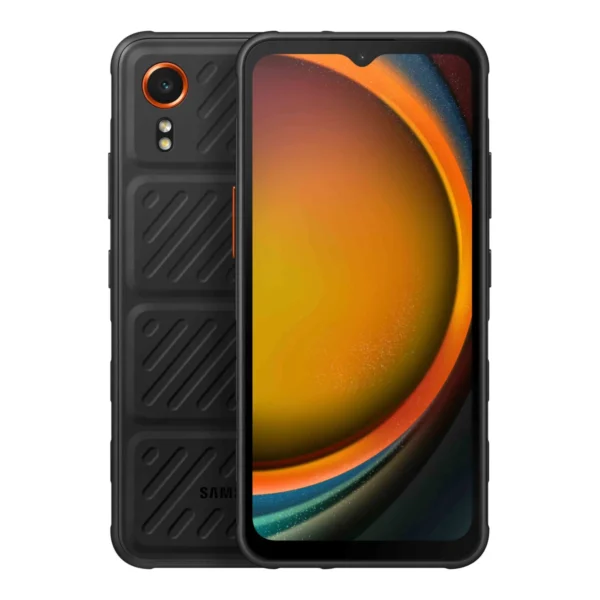 Upgrading from the Samsung Galaxy XCover7
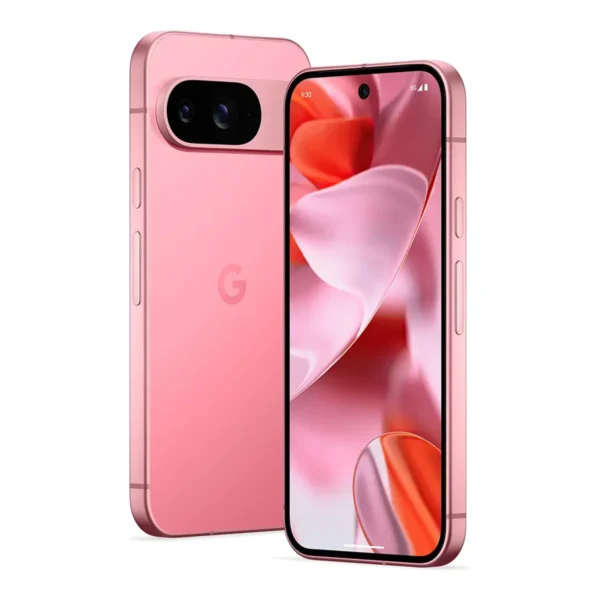 Upgrading from the Google Pixel 9
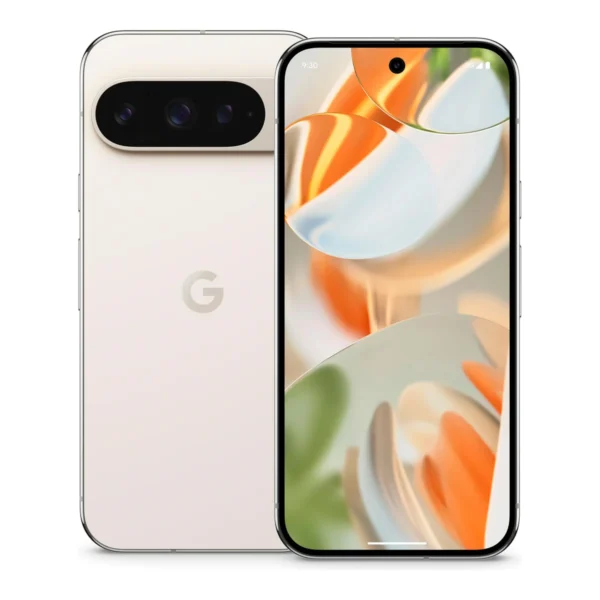 Upgrading from the Google Pixel 9 Pro
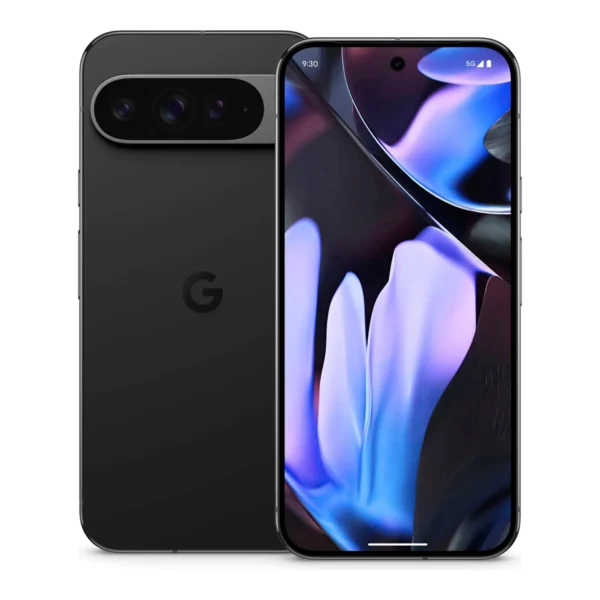 Upgrading from the Google Pixel 9 Pro XL
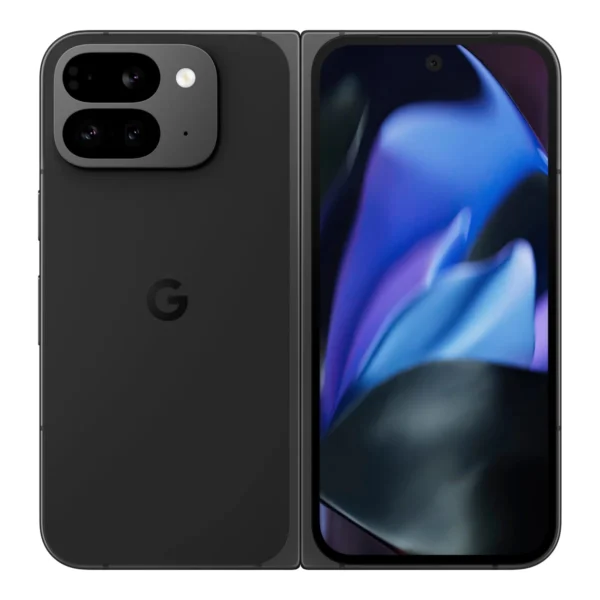 Upgrading from the Google Pixel 9 Pro Fold
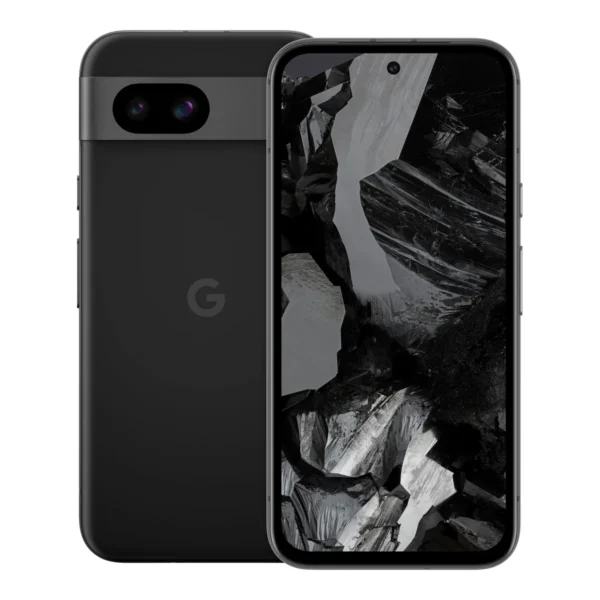 Upgrading from the Google Pixel 8a
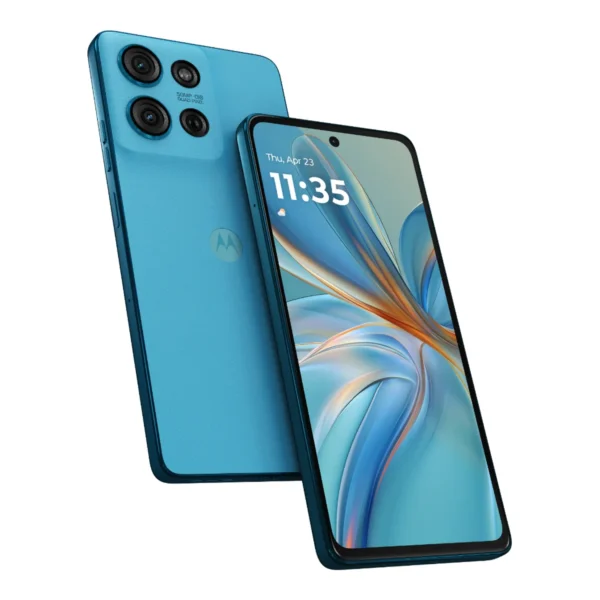 Upgrading from the Motorola Moto G75 5G
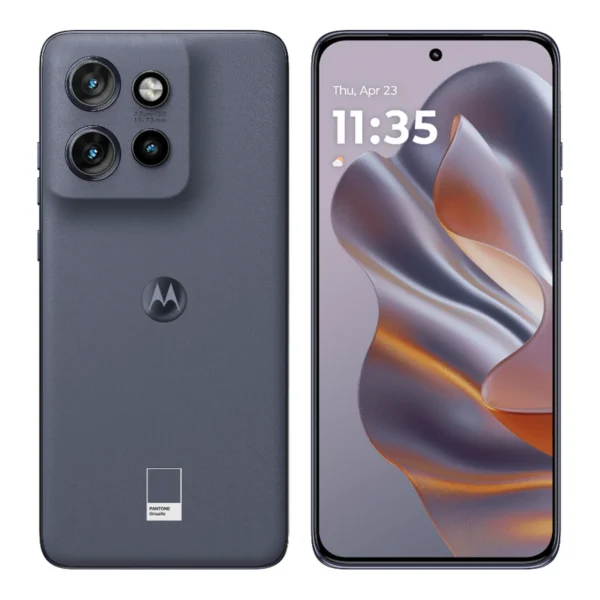 Upgrading from the Motorola Edge 50 Neo
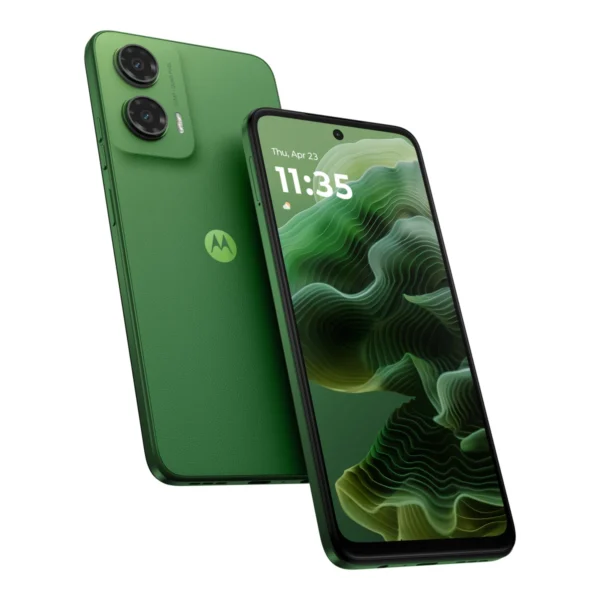 Upgrading from the Motorola Moto G35
Upgrade FAQ
How do I know if I should upgrade my phone?
Check two things: how long your phone still gets security updates, and how much a new phone would actually improve what you use most. When updates end, apps and banking services slowly stop supporting a phone, and security fixes stop coming. If updates still run for a year or more and new phones are only a little better, there is no rush.
How long do phones get security updates?
It depends on the maker. Recent Samsung Galaxy S and Google Pixel phones get seven years, iPhones usually get updates for six years or more, and many budget Android phones get two to four years. Each phone page on PhoneRanked lists the official update promise.
How do you pick the upgrades?
We look at phones announced in the last two years that are on sale in the US or Europe, score higher than your phone and are not slower. By default we show phones with a US launch price close to what your phone cost; choose Any price to also see phones sold without a US price. You can also change the operating system and what matters most to you.
Is this advice to buy a new phone?
No. It is a summary of the specs and official update policies, with what you would gain and what you would give up. If your phone still works well for you and gets updates, keeping it is a perfectly good choice.